
By Michael Delpierre, Conversion Pipeline Published October 2026. Last updated October 14, 2026.
If your Local Services Ads dashboard now redirects to Google Ads, your account has migrated to what Google calls a Performance Max campaign with pay-per-lead goals. Your ads still show only on Google Search and Maps, and you still pay per lead. But your weekly budget is now daily, manual bidding is gone, your old reports didn’t come with you, and several settings now live in new places. Below is the post-migration checklist we work through in every migrated account, in the order we do it. It’s a follow-up to our August post on Google moving LSA into Google Ads.
Who has migrated, and who’s next
Per Google’s migration page, the first phase started in August 2026 for select U.S. home and storefront service advertisers, including plumbing, HVAC, electrical, appliance repair, house cleaning, lawn care, roofing, pest control and moving. Late 2026 brings broader groups, including service-area businesses without physical storefronts and accounts with custom bidding or booking setups. Non-U.S. accounts and remaining categories follow in 2027.
That late-2026 wave matters for a lot of the companies we talk to. Many sprinkler, basement waterproofing and lawn companies run out of a shop or a home office with no storefront. If that’s you, your 14-day notice email may still be coming. Read our August post first, then use this list after you move.
The post-migration checklist
1. Confirm the migration finished
The account admin gets an email 14 days before migration, a reminder seven days later, and another email after migration completes. Google says to allow up to two weeks for the process to fully complete and for performance to settle. Don’t judge the campaign on its first few days.
2. Save what’s left of your history
Google is blunt about this: your LSA performance reports don’t transfer. Past impressions, clicks, weekly spend and ad-level reports are gone from the new interface. Google says a download page for historical reports is coming and recommends screenshots in the meantime.
The good news is that lead history does carry over. Customer contact details, message threads and older call recordings move to the new Leads page in Google Ads. If you didn’t export reports before migrating, export your leads now and rebuild a monthly cost-per-lead baseline from your own billing records.
3. Check the budget math
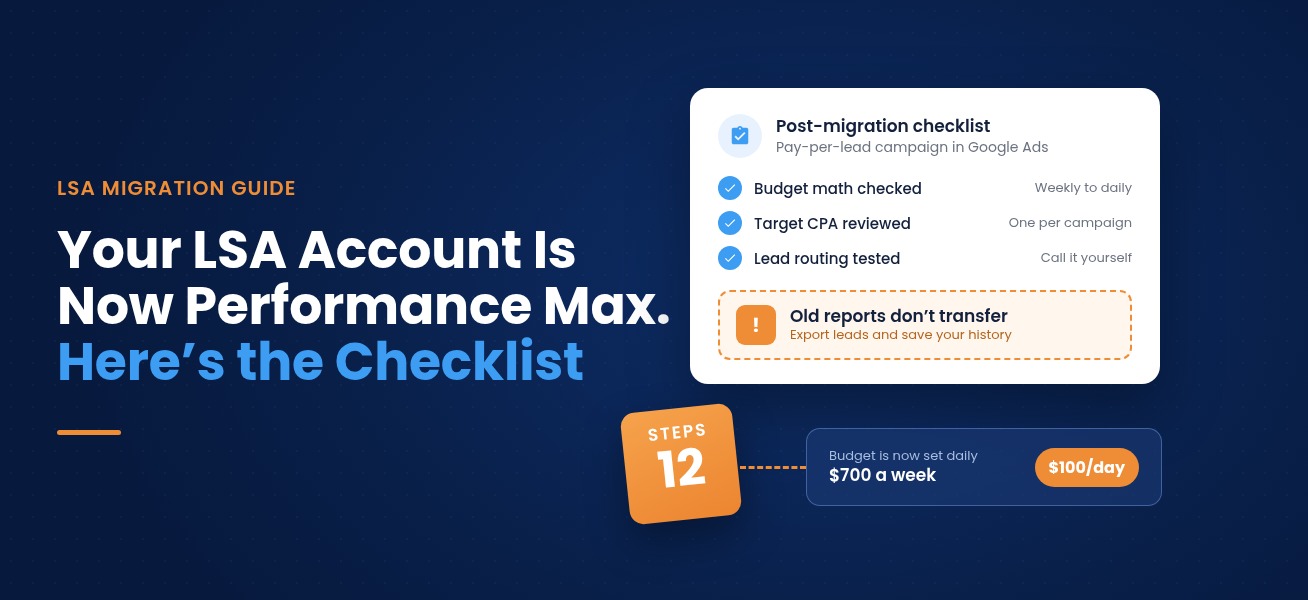
Your old average weekly budget was divided by 7 to set a daily average budget. Monthly spend is capped at that daily figure times 30.4. A $700 weekly budget becomes $100 a day, with a monthly ceiling of $3,040. Daily spend can run higher on busy days, but the month won’t exceed the cap. Make sure that ceiling still fits your cash flow during peak season.
4. Look at your new Target CPA
Manual bidding, including a maximum cost per lead, isn’t supported in Google Ads. Industry-level Target CPA is gone too. If you had different targets for different service categories in one campaign, Google calculated a single campaign-level target and applied it to all of them.
This is where multi-trade companies get hurt. A plumbing and HVAC company used to pay one price for a drain call and another for a system replacement lead. Now it’s one blended target. Google’s answer is separate campaigns per vertical. The catch: you can’t create new pay-per-lead campaigns inside Google Ads yet. Google says to keep using g.co/localservices for additional campaigns. Splitting also gives each campaign less conversion data to learn from, so we only split when the lead values are far apart.
5. Review targeting settings in Google Ads
Under Campaigns, then Settings, check service areas, ad schedules and business categories. After migration these run independently of your Google Business Profile, so you can tighten a service area for ads without changing what shows on Maps.
6. Leave your GBP name and address alone unless you mean it
Business name, address and hours sync one way, daily, from your Google Business Profile to Google Ads. Hours and phone changes sync within 24 hours. Significant changes to your business name, storefront address or primary category trigger a verification review that typically takes 24 to 48 hours, and your campaign may pause while it happens. Don’t let anyone “clean up” the profile name in the middle of busy season.
7. Test your lead routing number
You can now edit the phone number your call and message leads route to, in real time. That’s useful if you want calls going to a CallRail tracking number so you can record them and see missed calls by hour. Make the change, then call it yourself.
8. Rebuild your callouts
Better Business Bureau callouts are no longer supported. Google recommends selecting at least six other structured callouts, such as business hours, specialties or accepted payment methods. You can also upload up to 100 additional business photos. Headlines, videos and sitelinks don’t apply to pay-per-lead campaigns, so don’t waste time there.
9. Fix who gets lead notifications
Every account user and direct manager is opted in to email alerts for call and message leads by default, regardless of what you had set in the old dashboard. At least one user has to stay opted in. Make sure the person who actually calls customers back is on that list, and that the bookkeeper isn’t getting 40 emails a day.
10. Find the new Leads page
Go to Goals, then Conversions, then Leads. It replaces the LSA inbox and keeps charged status, lead type, the feedback form and lead downloads. Bookmark it for whoever handles leads.
11. Learn the new reporting
In the campaign dashboard, “Conversions” is the number of leads you were charged for, “Cost” is total spend and “Cost / conv” is your average cost per lead. Build your new baseline here and compare it to your own pre-migration numbers, not to memory.
12. Plan for the missed-call rule
Migration landed right as Google started charging for missed business-hours calls over 20 seconds. Two months of numbers now have two changes baked in. When cost per lead moves in October, check missed-call charges before blaming the migration.
What didn’t change
A few worries we hear that turned out to be non-issues, per Google’s documentation:
- Your ads don’t expand into YouTube, Gmail or the Display Network. Pay-per-lead campaigns serve only on Search and Maps.
- Targeting stays keywordless. There’s no keyword list to manage.
- Your verified status and Google Verified badge transfer automatically.
- You still pay for valid leads, not clicks.
If something looks wrong, Google runs dedicated migration support at +1-844-205-0011, Monday to Friday, 9 a.m. to 8 p.m. Eastern.
Frequently asked questions
Do my Local Services Ads reports carry over to Google Ads?
No. Past campaign-level metrics like impressions, clicks, weekly spend and ad-level reports don’t migrate. Your lead history, including contact details, messages and older call recordings, does carry over to the Leads page.
Can I still set a maximum cost per lead?
No. Manual bidding, including max cost per lead, isn’t supported after migration, and industry-level Target CPA is replaced by one campaign-level Target CPA.
Will my LSA ads start showing on YouTube or Display?
No. Google says Performance Max campaigns with pay-per-lead goals serve only on Google Search and Google Maps, in the same ad positions as before.
How long does performance take to stabilize after the migration?
Google says to allow up to two weeks for the migration to fully complete and for campaign performance to return to stable levels.
When do service-area businesses migrate?
Google lists late 2026 for broader advertiser groups, including service-area businesses without physical storefronts and accounts with custom bidding or booking configurations.
Not sure your migrated campaign is set up right?
Our free lead-source mini-audit checks your migrated LSA campaign alongside your other lead sources: budget math, the blended Target CPA, lead routing, notifications, and what your cost per lead looks like now versus before. We’ll go over it with you on a 15-minute call and tell you what we’d change, if anything.
Call Carl Pappas at 877-877-0542 or request your mini-audit. You can also read more about our Google Ads management and home services marketing.
Free audits
Find out where your ad spend and leads are leaking
Our free PPC audit digs into your Google Ads account for wasted spend, weak tracking and missed opportunities. Want the bigger picture? A free lead-source mini-audit shows which channels actually bring in your calls and form fills.